With Cookie & GDPR Manager, you get a smooth and all-in-one solution for managing your privacy policy, cookie policy, terms and conditions, and cookie banner. The user-friendly interface makes it easy to get started and ensure your website complies with applicable data protection regulations.
In this guide, we’ll walk you through how to configure Privacy Controls and Cookie Solution step by step.
Get started with Privacy Controls and Cookie Solution
- Log in to the control panel and click on Cookie & GDPR Manager under Services. Then click Go to app to access the service dashboard.
- Once you’re logged in and on the overview page, click Create now under Privacy Controls and Cookie Solution.
Set geographic scope
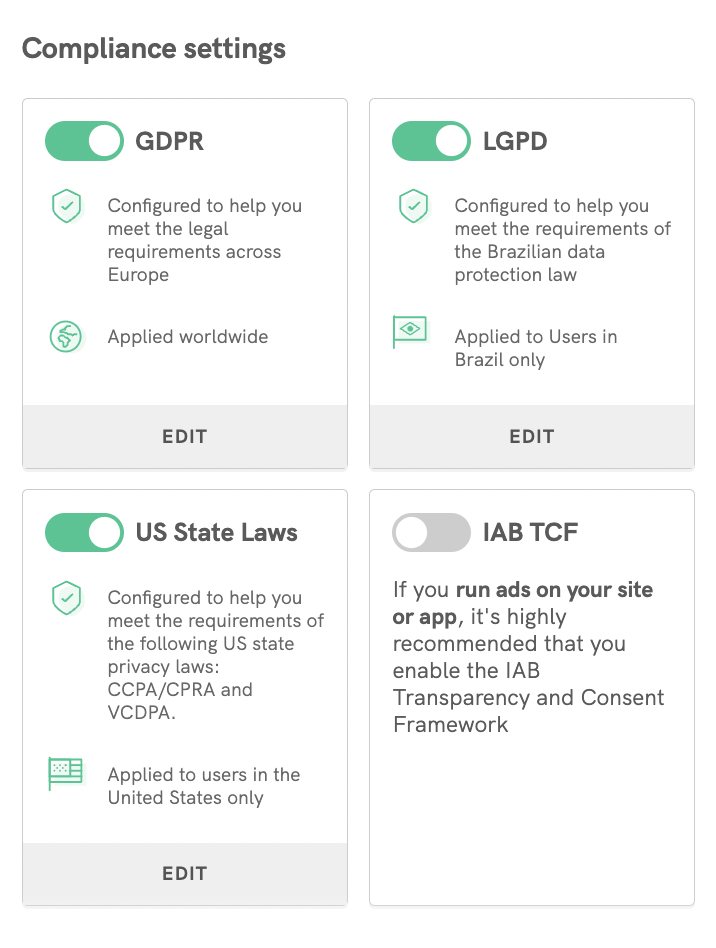
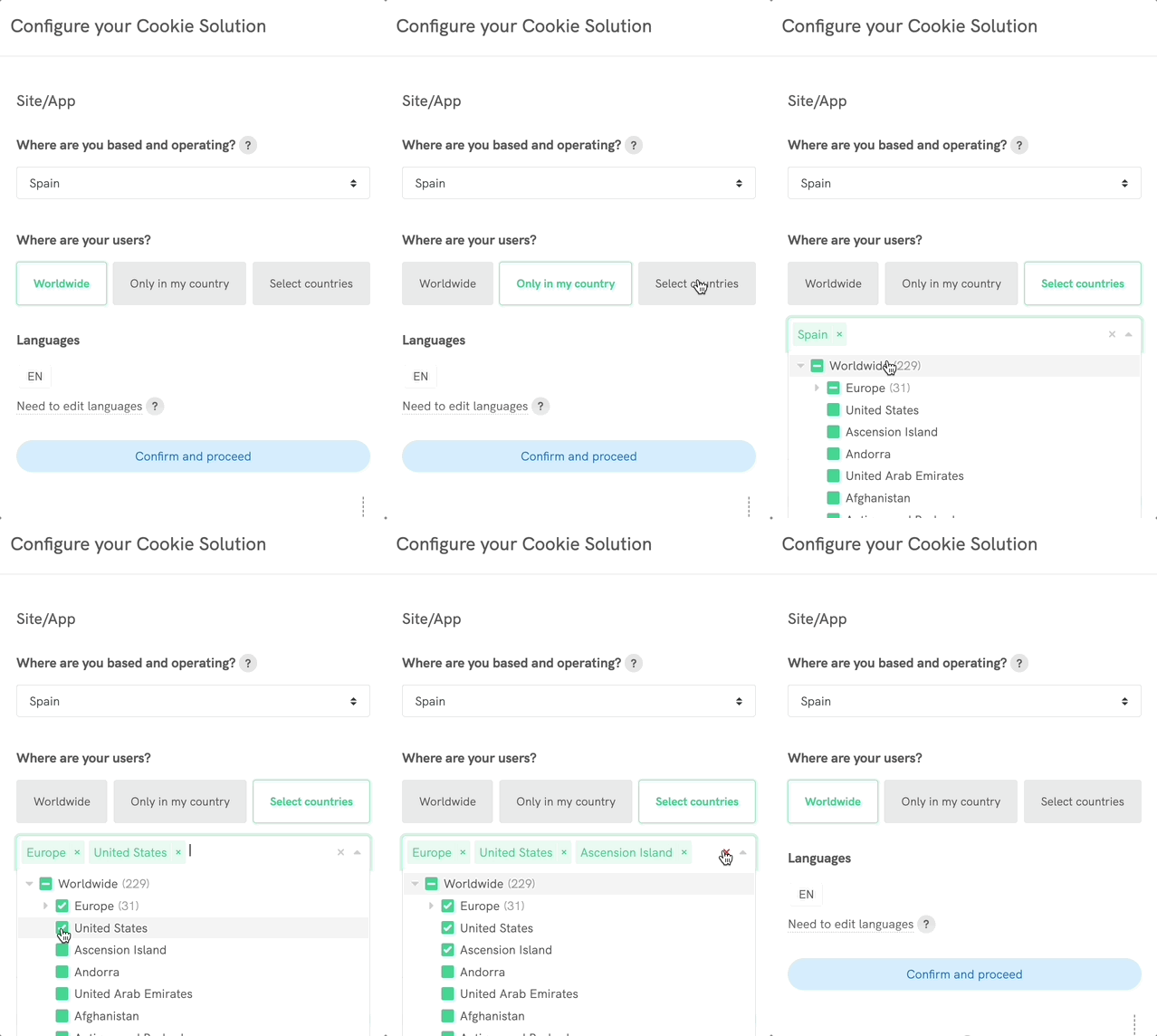
First, choose where your business and users are located. This determines which regulations apply. Select one of the available options or add countries manually, and click Confirm and proceed when you’re done.
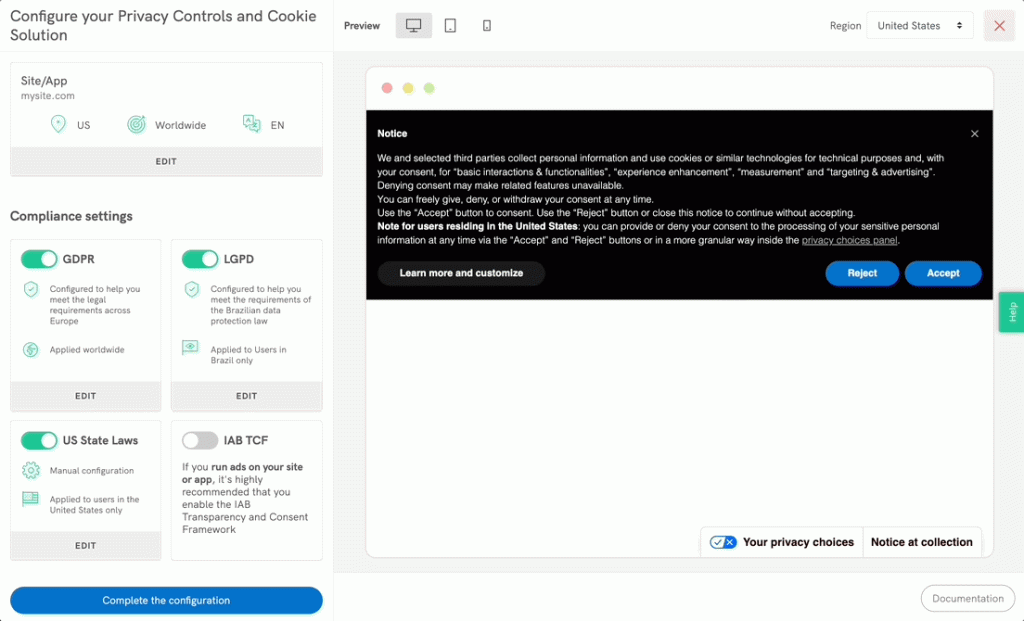
Compliance Settings
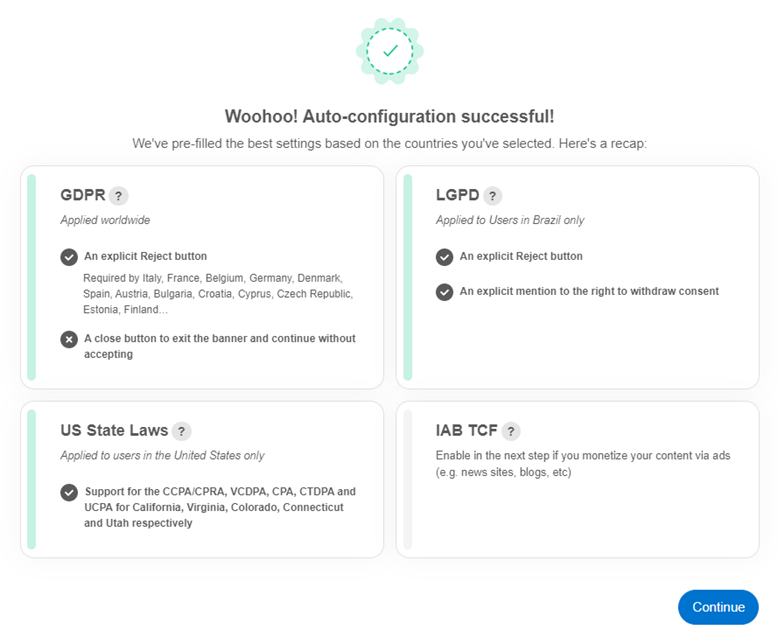
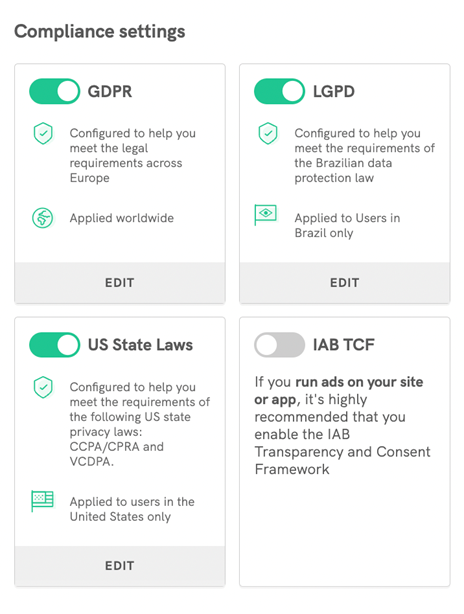
Based on your selections, the tool will suggest relevant compliance settings.
- Review the suggested options and adjust if needed
- Click Edit in each section to make changes
Tip: Enable GDPR if you or your users are located within the EU.
When you’re satisfied, click Continue.
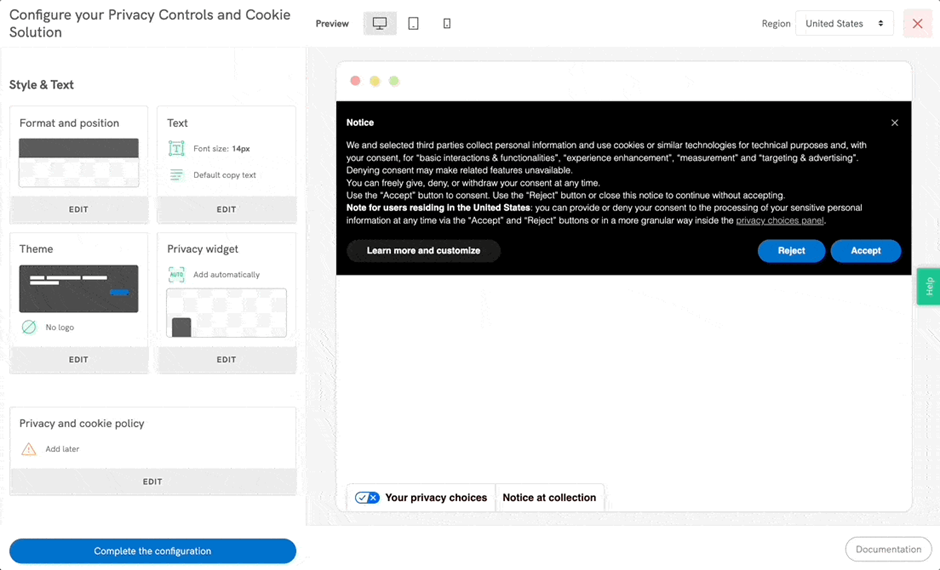
Customize style and content
Here you can customize how your cookie banner appears. Click on Edit at the bottom of each box to manage and customize different style elements:
- Colors, theme, and layout
- Text and buttons
- Banner position and settings link placement
All changes are displayed instantly in the preview. Click Confirm and proceed when you’re done.
Add a privacy policy
If you don’t already have a privacy policy, you can create and link one in this step—either via iubenda (using our guide) or by uploading your own.
We recommend that you always:
- Create both a privacy policy and a cookie policy
- Link them from your cookie banner
This provides a clear and complete experience for your visitors. Click Confirm and proceed once you’ve made your choice.
Advanced settings
Under Advanced settings, you’ll find additional customization options, such as:
- Banner animations
- Custom text and buttons
- Custom CSS
- Cookie duration
- Technical settings (e.g. callbacks)
When you’re satisfied, click Complete the Configuration.
Embed on your website
You’ll now be redirected to the service dashboard.
- Go to Privacy Controls and Cookie Solution
- Click Embed to view the code for your website
Need help adding the code? Check out these guides:
- https://www.iubenda.com/en/help/36226-cookie-solution-custom-website-installation-guide#
- Install Privacy Controls and Cookie Solution on your website
You’re of course always welcome to contact our support team if you need help along the way.