
Download a copy of your database. To restore a database from our backups, follow this guide.
- Log in to https://admin.websupport.se
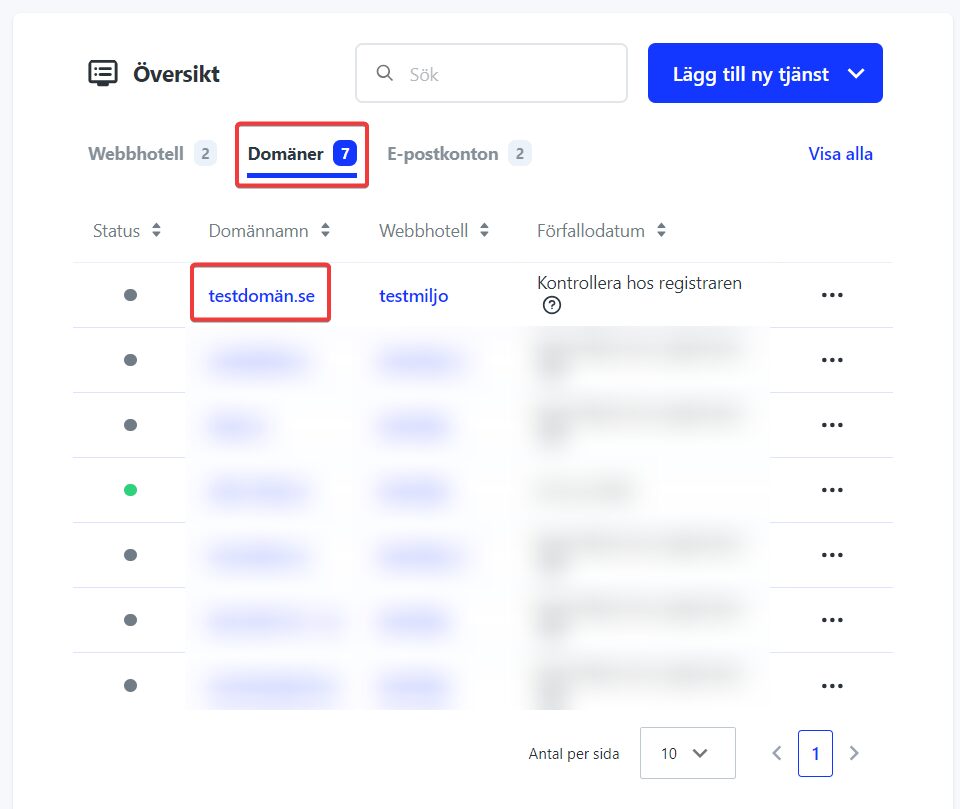
- Click the domain name where your database is located in your service overview.
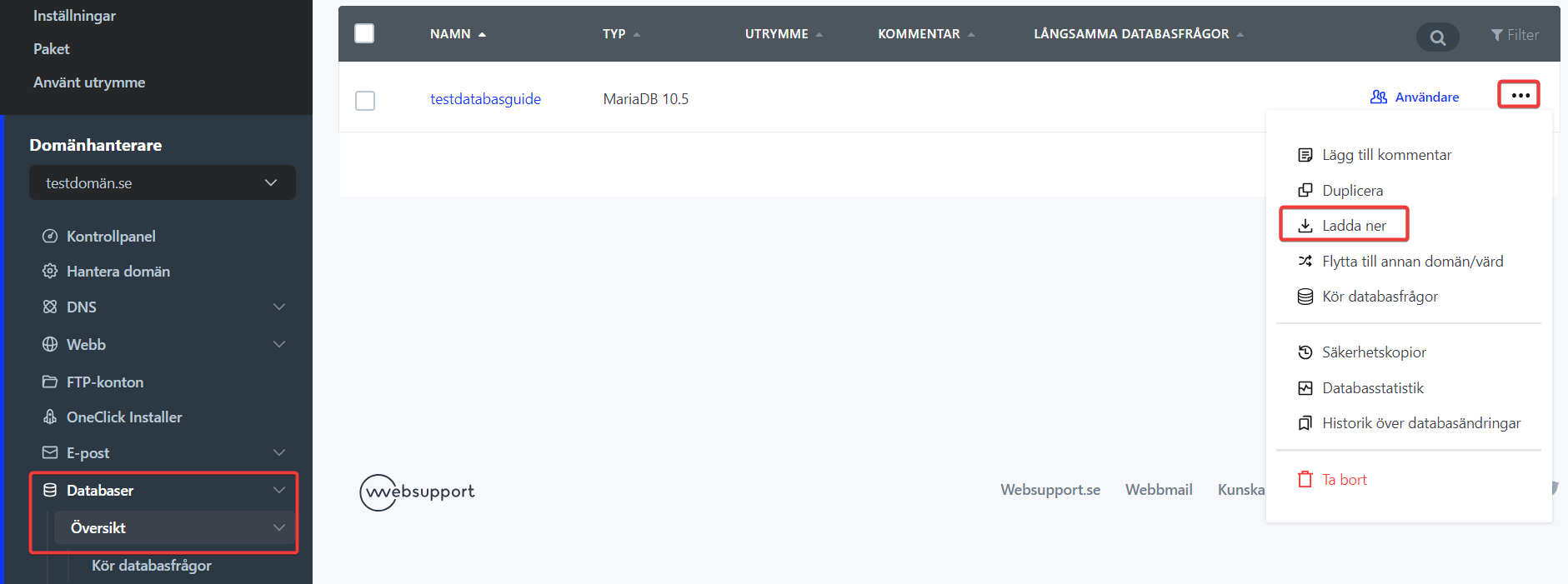
- Click “Databases” on the left.
- Click the three dots on the right and select “Download”
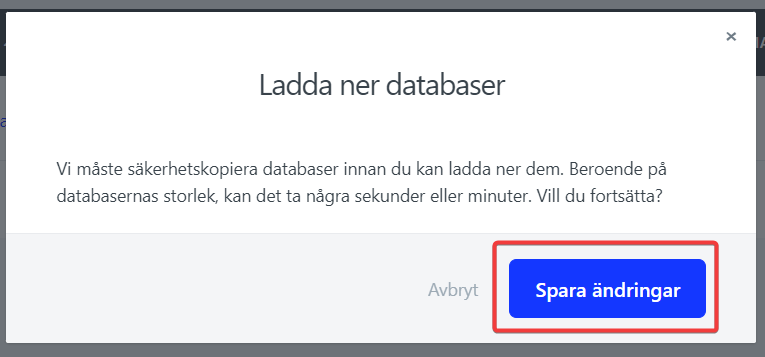
- Select “Save changes”
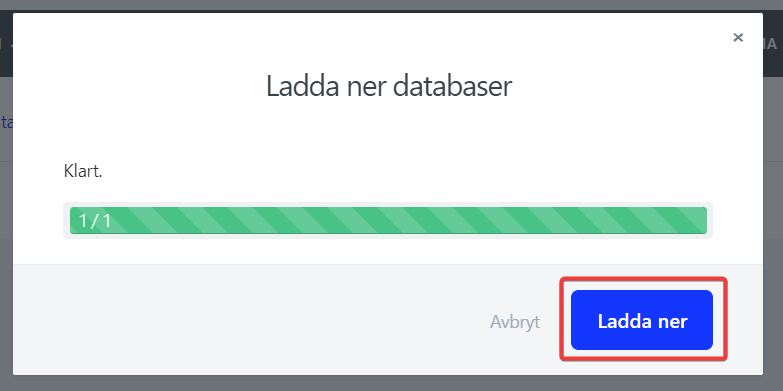
- The download is then prepared. Depending on database size, it can take seconds to several minutes. When the download is ready, click “Download”
Done! Now you have a local copy of your database saved on your computer.

