Instructions for beginners
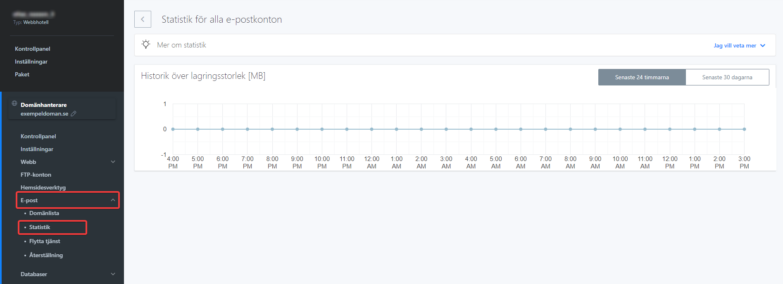
On this page you find an overview of the size of all email addresses under your domain. You can view this report for either “Last 24 hours” or “Last 30 days”.
To see the size for an hour or a day, just hover your mouse over one of the points. A report showing the size in MB will appear.
You can access these settings after logging in to admin.websupport.se. Here’s how:
1. Log in to admin.websupport.se
2. In your services, find your domain and click it.
3. Select “Email” in the left menu.
4. Then click “Statistics”. Here you find statistics for all email addresses. Just select your desired period.