Spam is very annoying and affects almost everyone who has an email address. It’s estimated that about 40% of all email sent every day is spam. With a few simple settings from us, you can reduce the amount of junk mail.
Our filter catches a large amount of these by classifying them as SPAM in the header and subject. The first step is to set up your filter to automatically move messages marked as SPAM to your trash. This can be set both in your control panel and via your webmail. In this guide we cover both processes.
Configure filter via control panel
- 1. Log in to admin.websupport.se
- 2. In your services overview, click the email address you want to create a filter for.
- 3. Click Mail filters in the upper right corner.
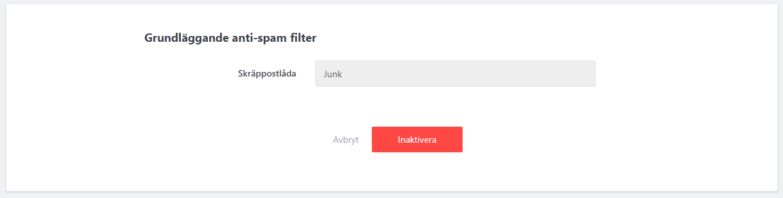
- 4. Enable the basic anti-spam filter, which by default moves flagged messages to Junk.
Configure via your webmail.
- Log in to your webmail via webmail.websupport.se.
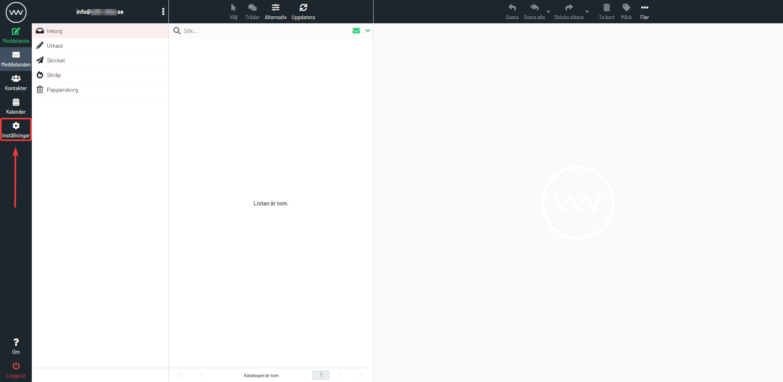
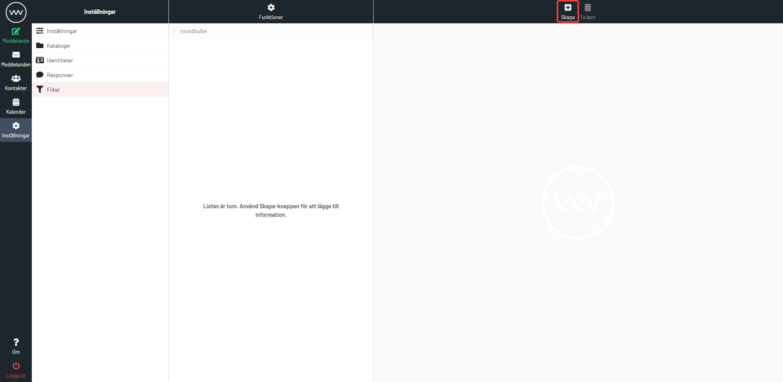
- Click Settings in the left menu.
- Click Filters and then + (Create) to create a new filter.
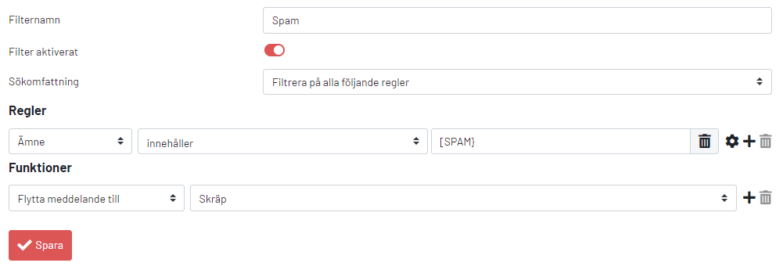
- Fill in the filter as follows. Enter “[SPAM]” and select “Subject” and “Contains”. Then select “Move message to” “Junk”