
To create a signature in your webmail client, log in to our webmail at webmail.websupport.se.
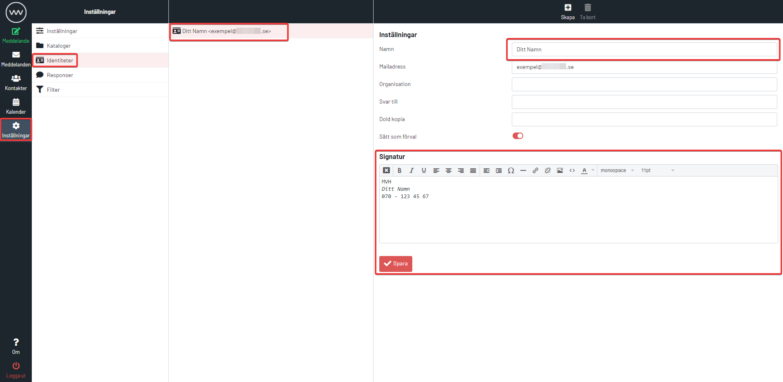
- Click Settings in the left menu.
- Click Identities on the left side.
- Click your email address or create a new identity by clicking “+”. The form appears below.
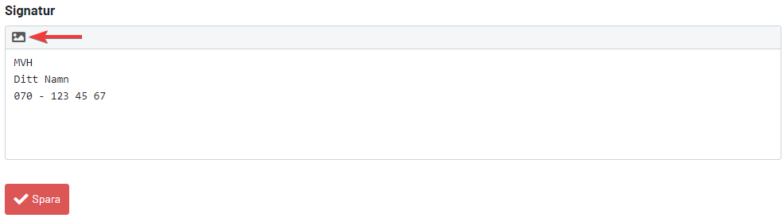
- Next, go to the Signature field and enter your signature. You must fill in your name; the rest of the fields are optional. You can also use the HTML signature editor to apply basic HTML commands for better formatting. When you create a message, your signature appears and is used for all future emails.
You can disable your email signature anytime by going to Settings > Message Editing and selecting “Never” at Place signature after message.

