
Suitable for beginners
In this section we’ll show you how to create an email address for your subdomain. You can use the email address right away on your mobile phone, computer, tablet, and of course our webmail.
- Log in to admin.websupport.se
- In your services list, select your domain.
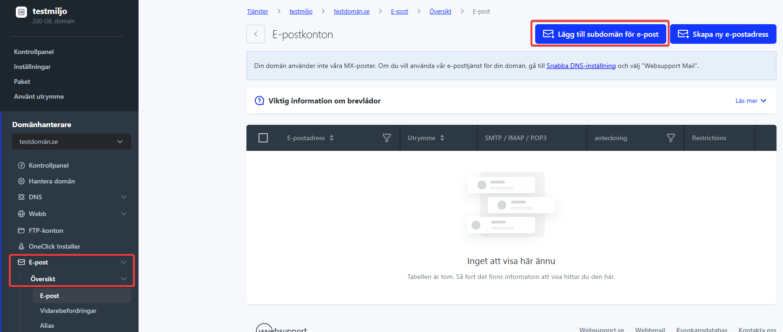
- In the left menu, select Email → Overview.
- Click “Add subdomain for email” in the upper right corner.
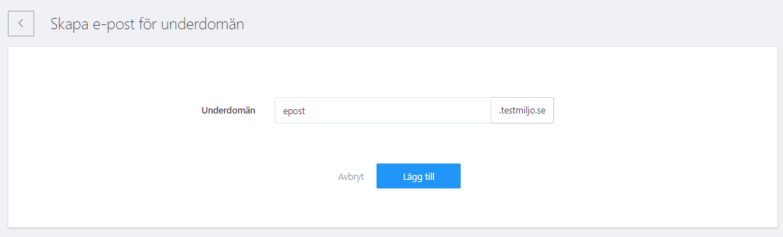
5. Fill in the subdomain and click Add.
6. The subdomain is added to your list of email domains. To create email addresses for the subdomain, follow the same process as creating a regular address.

