ANAME record is a type of record that redirects your domain like CNAME records do, but this type also lets you set it at your domain’s root (something CNAME doesn’t allow).
We monitor ANAME records constantly and automatically adjust your domain’s routing when the target IP address changes. This means you don’t need to manually update the IP number. You can only use ANAME records for your primary domain. You can add, edit, and delete an ANAME record in your control panel:
1. Log in to your control panel.
2. Click your domain in the list.
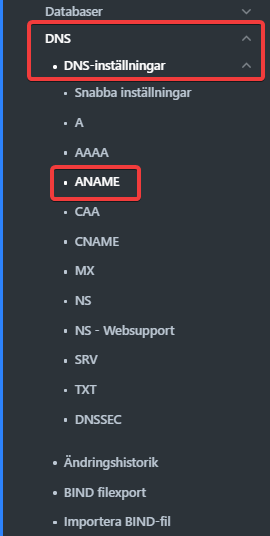
3. Select DNS from the menu.
4. Then click ANAME in the list.
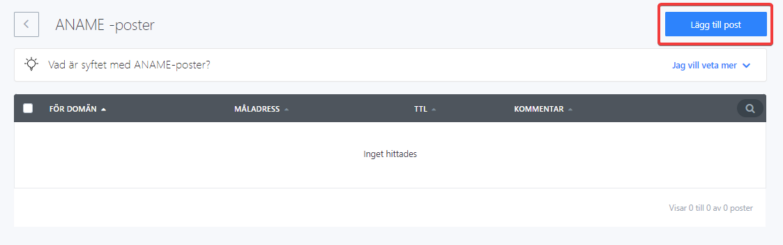
5. To create a new record, click Create new record
6. The first field is your primary domain where you want to set the IP address with the ANAME record. The second field is the target address whose IP address will be used. The TTL value determines how long internet providers remember the setting. Time is specified in seconds.