
This guide assumes you already have an account with us but want to buy one or more additional domains.
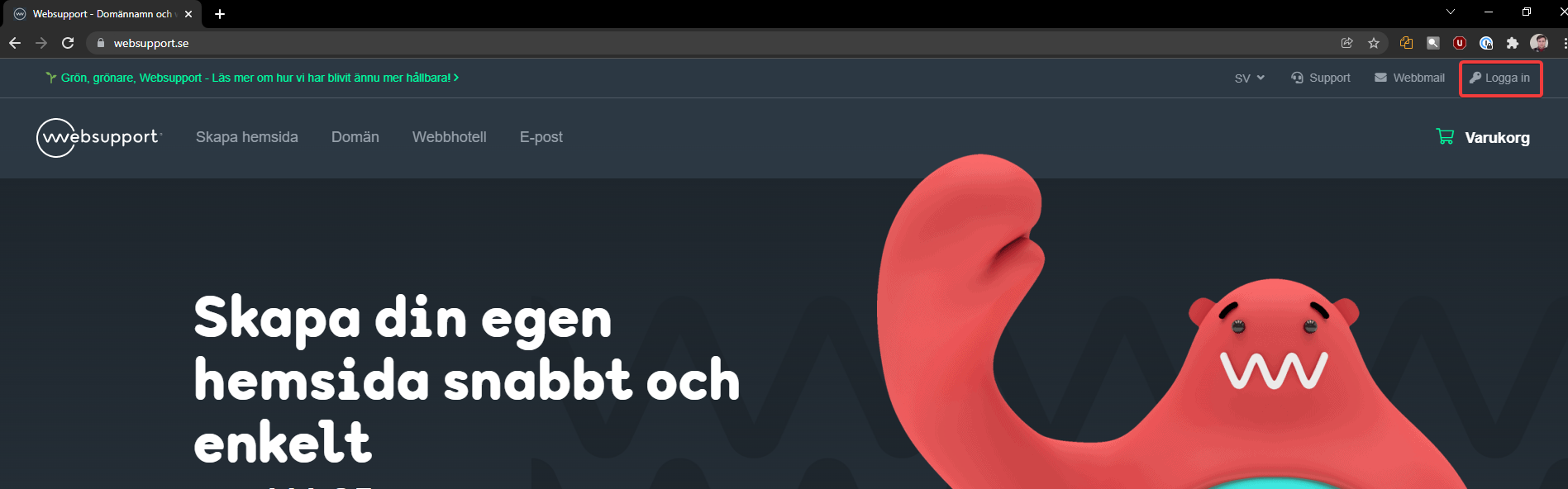
- Go to our home page, https://www.websupport.se, and click “Log in” in the upper right. If you’ve already logged in today, you don’t need to enter your credentials again. Otherwise, log in with your username and password.
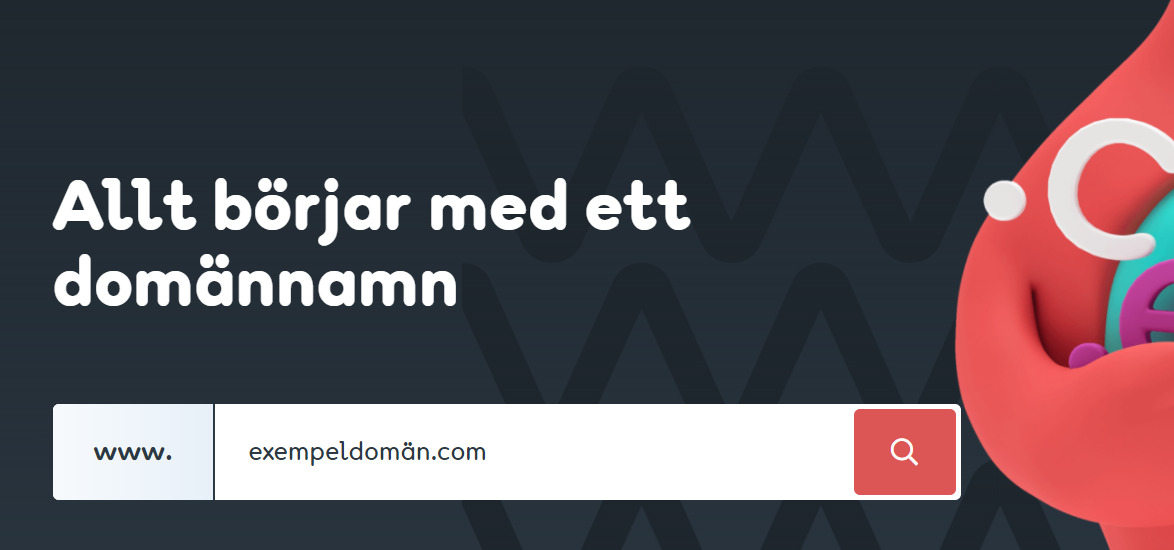
- Search for the domain name you want to buy.
- Then click “Buy domain” to the right of the domain name in the results list. If you want to buy multiple domains at once, search for the next domain and click “Buy domain” there as well before moving to the next step.
- Then click “Cart” in the upper right, and then “Continue to payment” in the lower right.
- Click “Quick order” and follow the steps to complete your purchase.

