
Instructions for beginners
It’s important that you as a customer regularly ensure that the information on your account with us is up to date. This is because we validate customers who need support using these contact details.
Change contact information in your user profile
- Log in to your control panel: WebAdmin
- Click your Username in the top right and select General Settings.
- Update incorrect information
- Save Changes
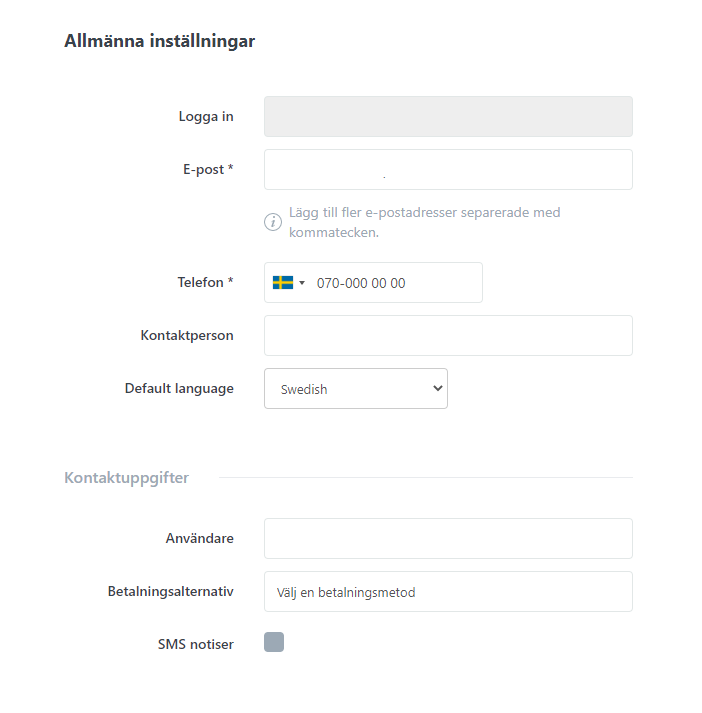
If you want to add more than one contact address to your account, you can separate them with a comma. By adding multiple email addresses, you can avoid complications when contacting support, password recovery, and so on.

