
Deactivating a Domain Name
- Log in to the Control Panel.
- Click the domain in question in your service list
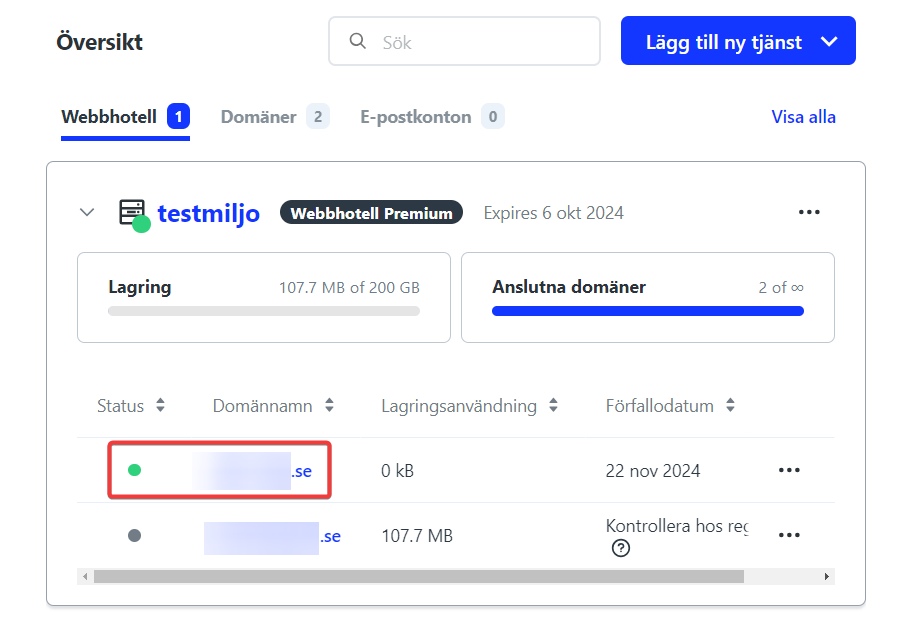
- Click the three dots in the top right and select “Deactivate”
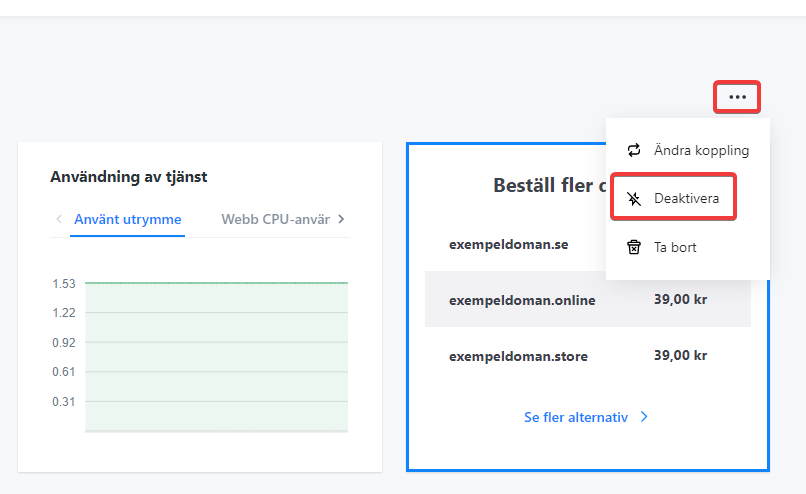
- Here you can choose to either deactivate the service or delete it immediately. To cancel the domain name, you need to delete it in this step. Note that by doing this you delete any websites, databases, and email addresses connected to the domain, and it cannot be restored once deleted.
- Go back to your service overview and click the domain name in question.
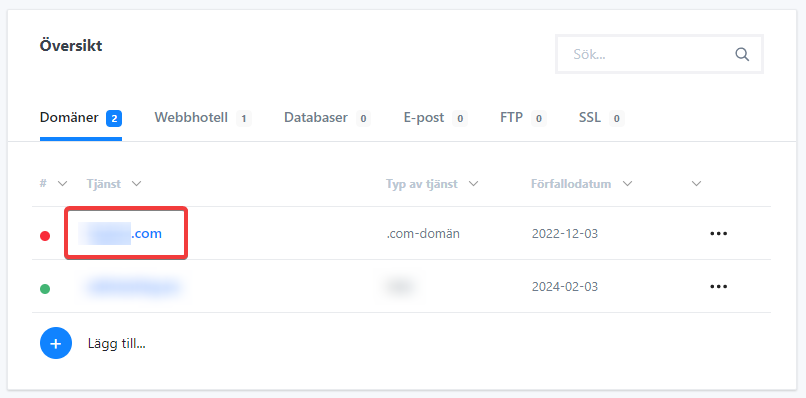
- Click “Delete” in the top right and select “Save Changes”
Deactivating Web Hosting
- Log in to the Control Panel.
- Click the web hosting in your service list
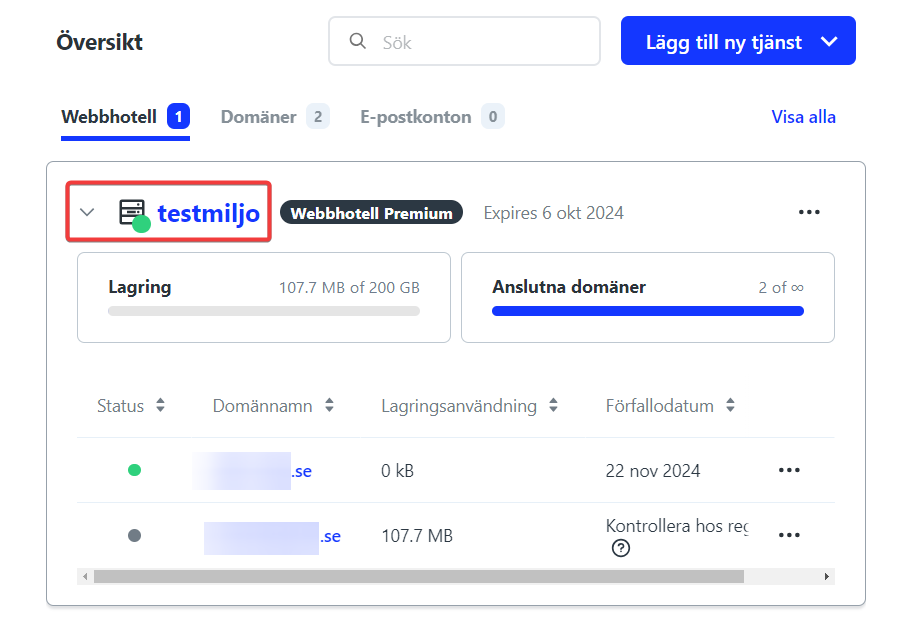
- Click the three dots in the top right and select “Deactivate”
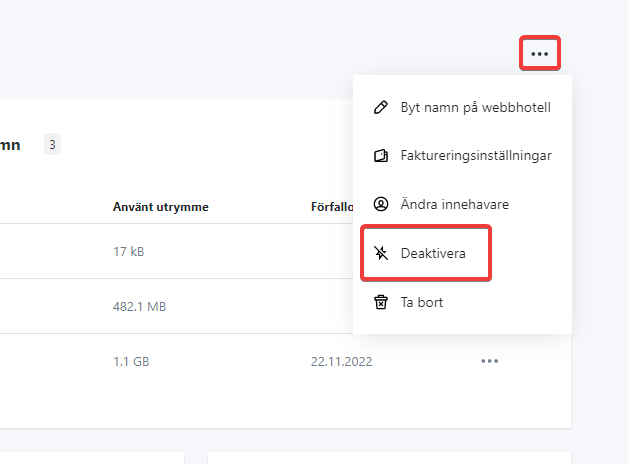
- Here you can choose to either deactivate the service or delete it immediately. If you deactivate the service, everything will stop working right away, but you’ll have a week to change your mind and reactivate the service. After that, the service is deleted.

