
You can easily add nameservers for any subdomain via your control panel. Just follow the steps below.
- Log in to your Control Panel
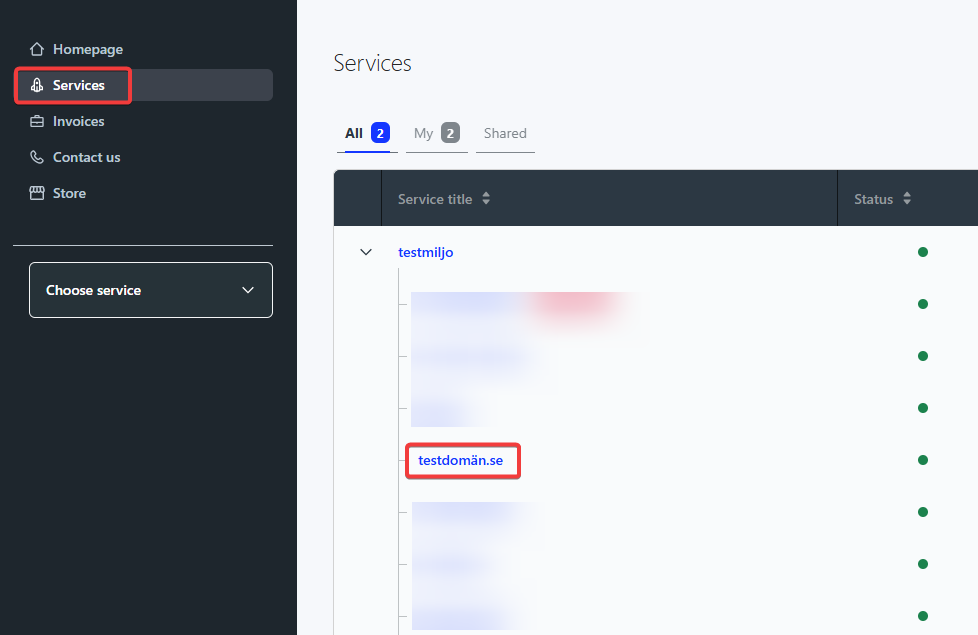
- Click “Services” in the top left
- Click on the main domain. If you want to add namersvers for “subdomain.domain.com”, you’ll click “domain.com”
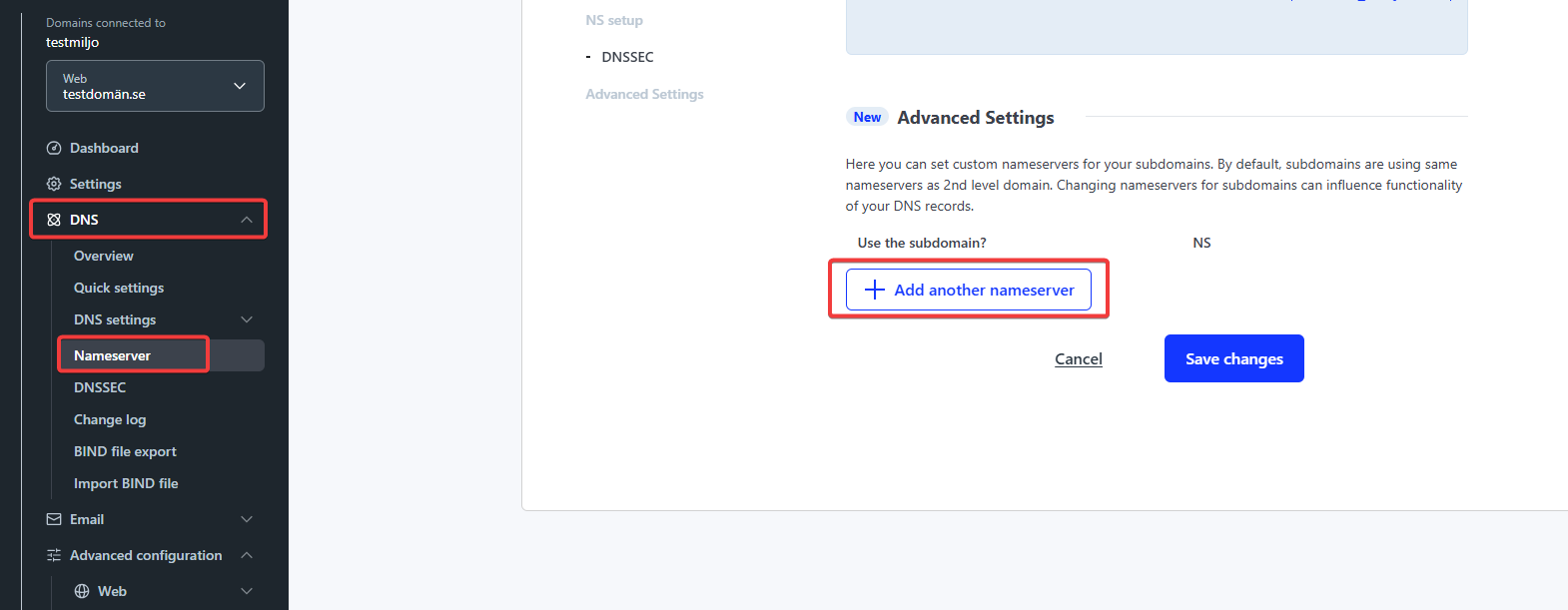
- In the darker menu to the left, navigate to “DNS > Nameserver”
- From there you’ll scroll down to the bottom on the page to “Advanced Settings” and click “Add another nameserver”
- After that you’ll enter the the subdomain in question and what nameservers it should use.
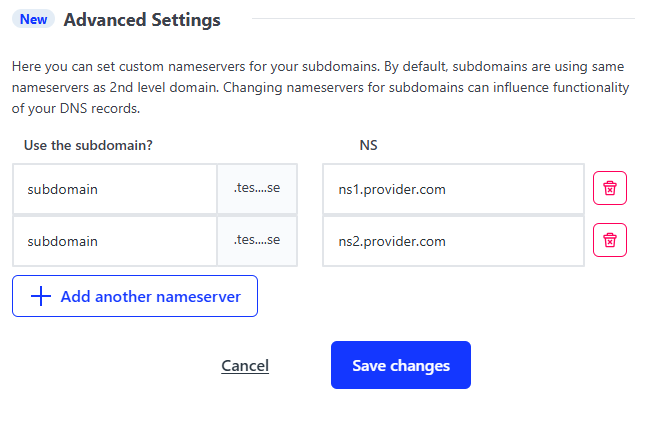
- When everything is entered, click “Save changes”. Please note that the change can take a couple of hours to propagate.

